Reels
A reliable way to back up Reels you created
The Reel on your profile should be the distribution copy, not the master. Keep the editor project and final export before uploading because Instagram may compress media and licensed elements may not travel with a later download.
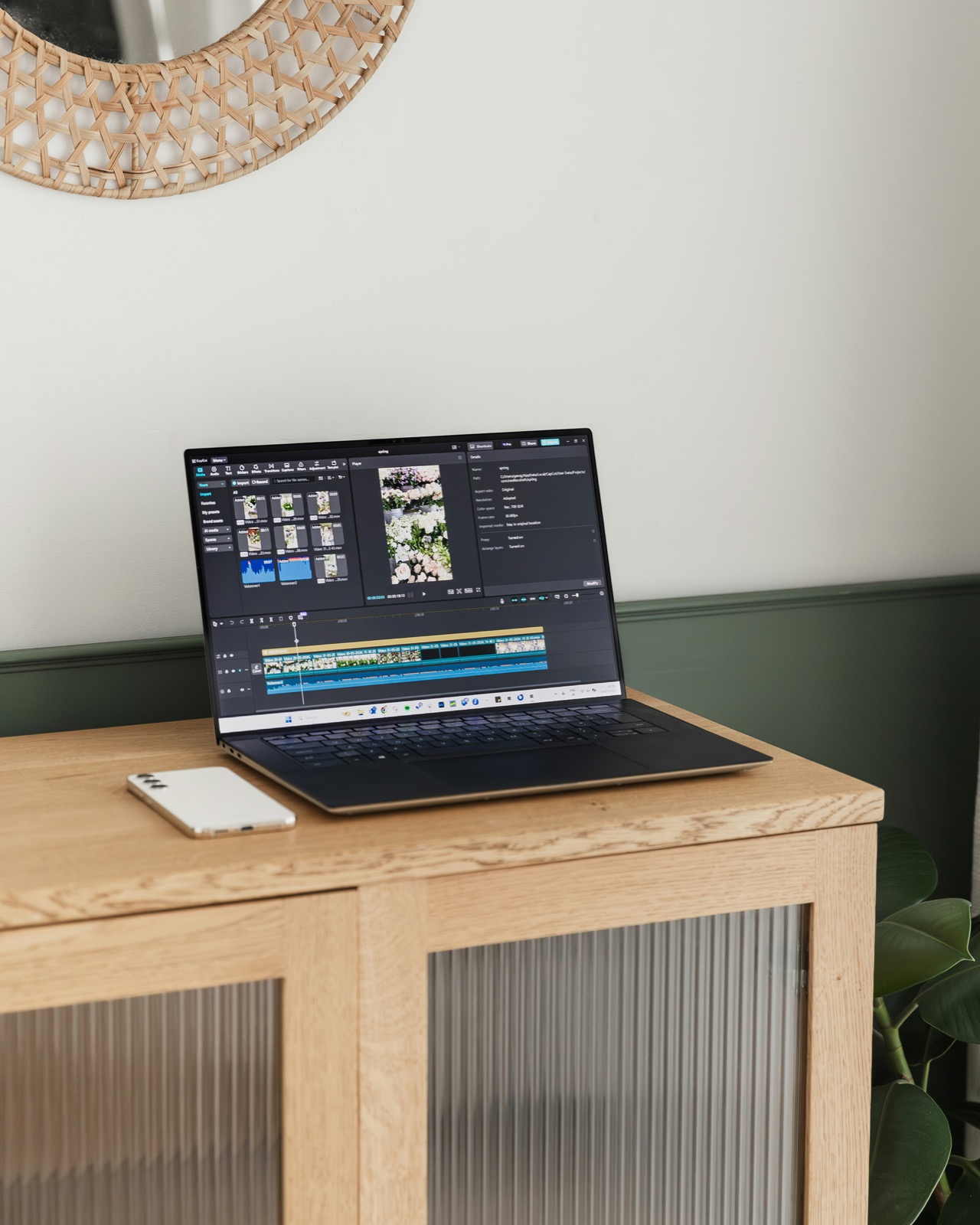
Keep four parts of every Reel
Save the editable project, a clean final video, the published caption, and a small rights note. The rights note can be a text file listing the music source, stock licence, collaborator approval, and any usage deadline.
A clean final means the version before Instagram adds interface elements or applies platform processing. Keep it even when the project file still exists; editor updates and missing source clips can make an old project difficult to reopen.
- Project file and linked source media
- Final vertical export without platform overlays
- Caption, hashtags, cover image, and publication date
- Music, stock, talent, and collaborator permission notes
Know what Instagram's download setting controls
For public accounts, Instagram may allow other people to download a Reel unless the creator disables Reel downloads globally or for that Reel. This audience setting is about availability on Instagram; it does not replace your own archive or give every downloader permission to reuse the work.
Private-account Reels have different sharing limits. If a client or collaborator needs the source, send the approved master directly instead of changing account privacy just to transfer a file.
Use a short close-out routine
At the end of a publishing session, move the approved export and caption into the project folder, add the Instagram URL, then copy the folder to a second location. Open the backup video long enough to confirm image and audio playback.
Once a month, compare the project register with the profile. The goal is not to download the profile again; it is to catch a campaign whose working files never made it into the archive.
Sources checked
Menu names can change as Instagram updates its apps.